WE ARE FOOTBALL 2027: External Editor Guide
Complete WE ARE FOOTBALL 2027 editor guide: launch the external tool, create custom clubs, edit player databases, and import or export .wafdb files.
Frequently Asked Questions
Where is the WE ARE FOOTBALL 2027 external Editor installed?
Can I import a community Megapatch and edit it in the Editor?
Do Editor changes apply to an existing career save?
What file format does the Editor use for sharing databases?
How many once-in-a-century talents does WE ARE FOOTBALL 2027 have?
What the WE ARE FOOTBALL 2027 Editor Does
The external Editor is Winning Streak Games’ official modding toolkit for WE ARE FOOTBALL 2027. It lets you build fictional clubs, reshape league pyramids, tune player attributes, and publish shareable database packages—without third-party trainers or memory editors. Publishing itself now runs through the built-in Steam Workshop, and items you subscribe to from other creators install as additional databases — our mods and Steam Workshop guide walks that flow end to end.
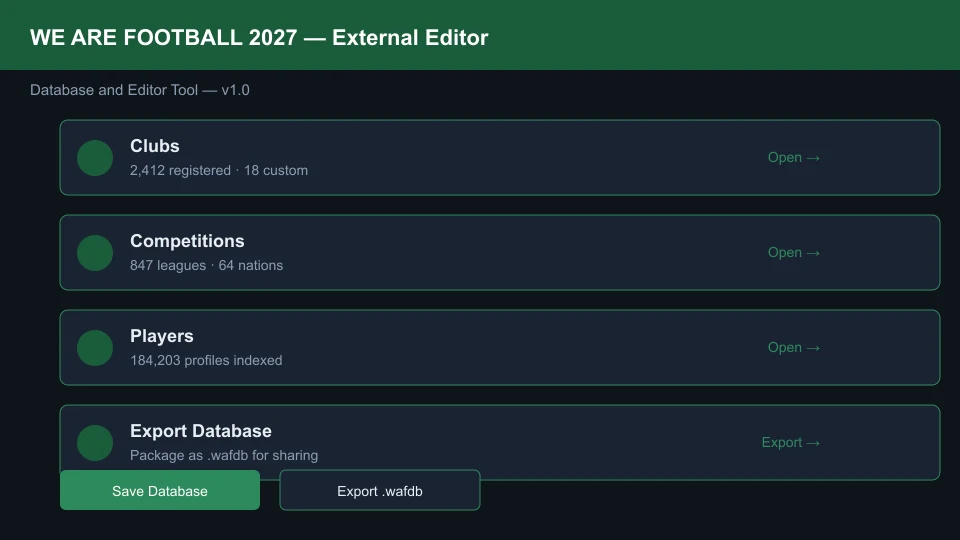
Unlike the lightweight in-game editor (contract tweaks and morale sliders during a live save), the external tool edits the master database files that every new career reads on day one.
Launching the Editor
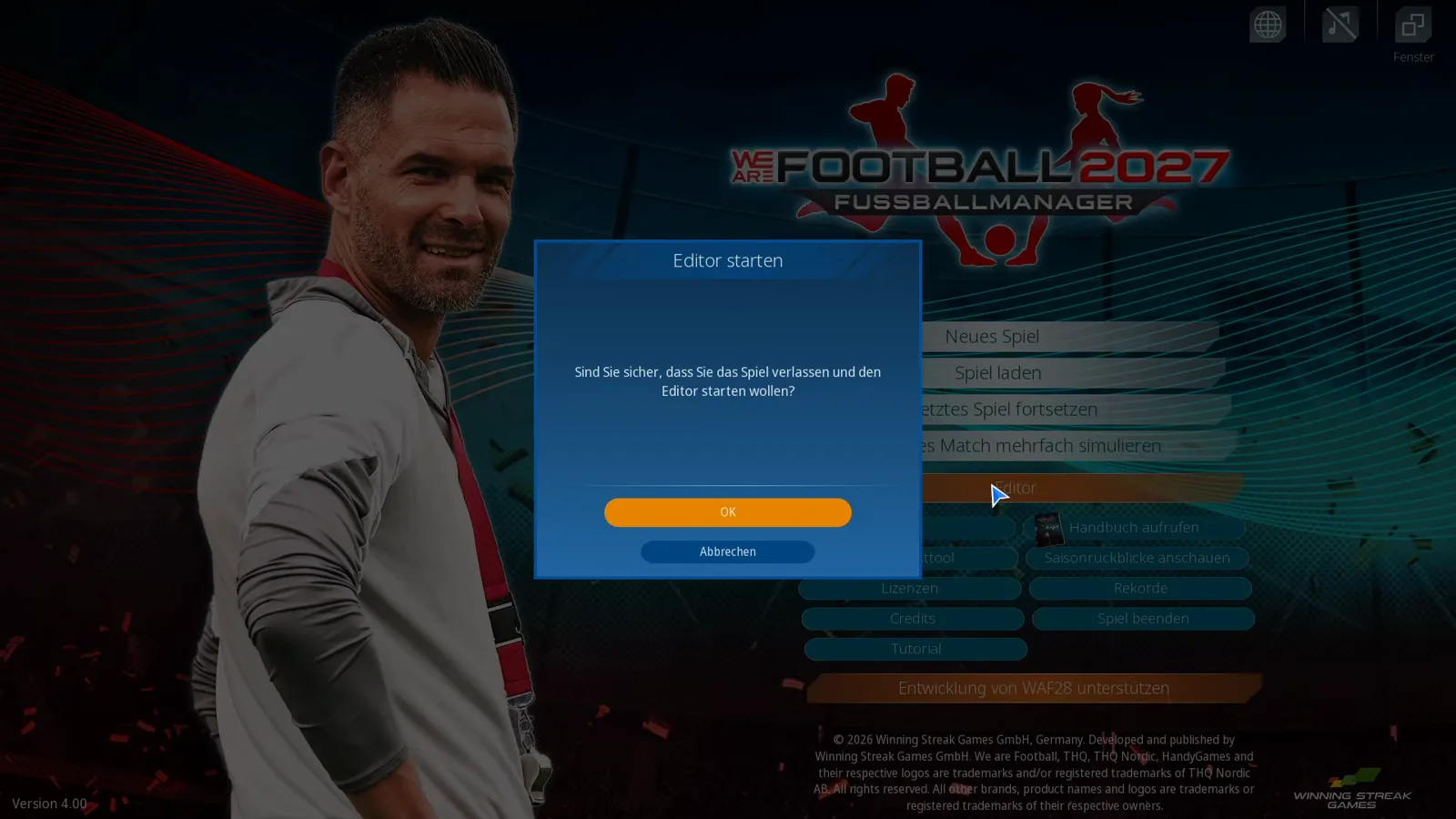
The documented route is the game’s main menu: select the Editor button — its tooltip reads „Startet den Dateneditor, mit dem Sie z.B. Vereins- und Spielerdaten bearbeiten können“ — accept the user agreement, and the editor opens in its own window (build 1.0.0.30491 in the video our Workshop guide is based on).
The editor reads and writes the database under Saved Games\We Are Football in your Windows user profile (EN p. 215) — not inside the Steam installation, and not in your Documents folder.
Creating a Custom Club from Scratch
Building your own club is the most common Editor workflow after installing real-name data:
- Open the Clubs tab and click New Club.
- Set Club Name, Short Name, Founded Year, and Country.
- Upload a Crest (512×512 PNG with transparent background recommended).
- Assign a Home Stadium or create a new venue under Stadiums.
- Link the club to a Competition slot in the Competitions tree (e.g., English League Two).
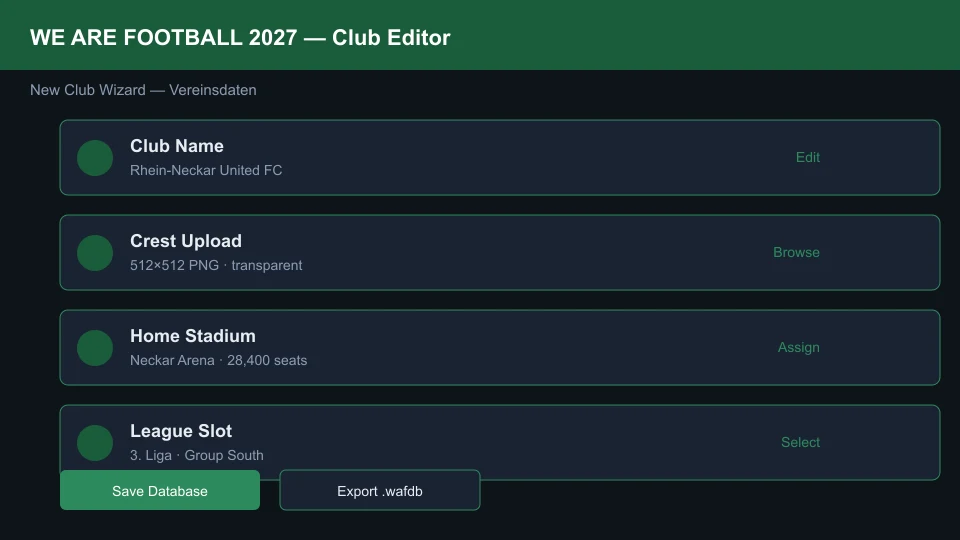
After saving, generate a starter squad under Players → Generate Squad for Club or import a CSV roster (see below). Test the club immediately in Creative Mode before committing to a full career—our beginner guide covers the first-month checklist once your database is live.
Editing Player Values and Bulk Imports
The Players module exposes every attribute the match engine uses: pace, stamina, heading, morale baseline, wage demands, and contract expiry.
| Task | Editor path | Notes |
|---|---|---|
| Edit one player | Players → Search → Attributes | Changes live in the editor’s loaded database, not in loose files |
| Bulk attribute edit | Players → Batch Edit → Filter by club | Useful for rebalance patches |
| CSV import | File → Import → Player CSV | Header row must match player_import_template.csv |
| Facepack alignment | Players → Portrait ID | Pictures match by file name and date of birth, never by ID — the naming rules live in our facepack and logo install guide |
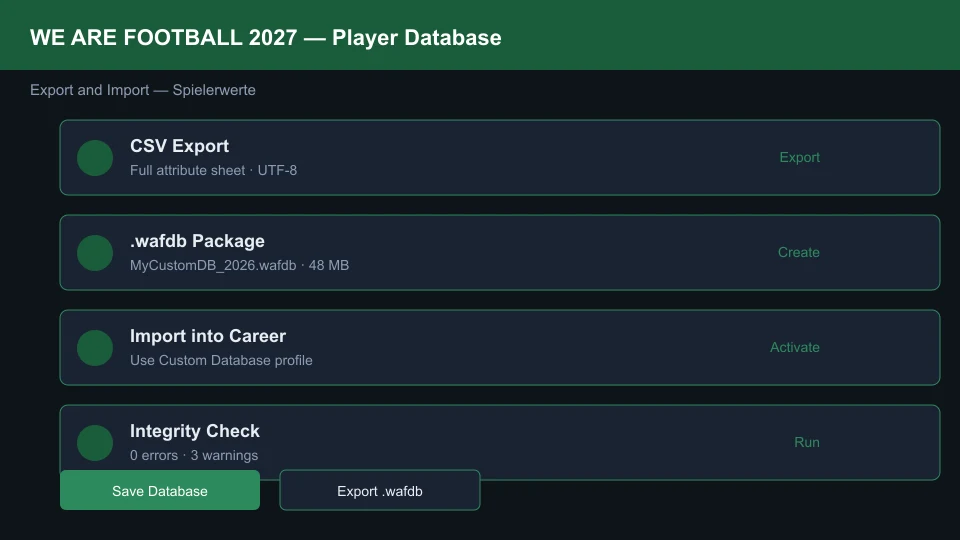
When importing CSV files, keep player IDs stable — other data rows can reference them. Facepacks are not among those references: the game matches graphics by normalized file name and date of birth, never by ID (EN p. 185), so a portrait only ever depends on getting the name right — the facepack and logo install guide collects the manual’s naming rules.
One open report belongs beside that table: on 8 October 2026 olivierm asked in a thread titled “Editor - loan + number of games” whether setting a loan and the number of games for club and nation simply does not carry into the game — “when you edit players in the editor, setting a loan and also the number of games for the club and the nation are not applied to the game?” A single report at zero replies so far — unverified, and not a documented limitation. Update 3 (14 October 2026) grew the editor again — event effects, an improved translation screen, French and Italian event texts, and one repair: „Fix: International finals stadiums can now be edited correctly in the editor“ — but none of its lines names the loan or appearance-count fields, so the report keeps its open status and the advice stands: spot-check those two fields in the save after integrating a database. The troubleshooting and update log carries the full Update 3 list.
Building Custom Leagues and Competitions
One structure people ask about by name is the cup pyramid underneath the national tournament. The official guide allows up to 32 cups chained from district to national level, and how regional cups work in WE ARE FOOTBALL 2027 walks that ladder and what a win is worth.
The Competitions tab controls pyramid structure, promotion/relegation slots, cup draws, and foreign player limits:
- New Competition Wizard: Define nation, tier level, number of teams, and round format.
- Promotion/Relegation Links: Drag arrows between tiers to mirror real pyramids or invent sci-fi structures.
- Season Calendar: Set matchday spacing; congested calendars increase injury rates once you start playing.
Export the competition tree with your database so friends load identical rules. For match-day tactics tuned to your custom league tempo, cross-reference our best tactics and formations guide.
Export, Import, and Activating In-Game
When your database is ready to ship or share:
- The documented sharing route is the editor’s Steam Workshop window — its Upload tab packages your database with a title, description and preview image (Workshop guide).
- For a raw file copy, back up the database file itself:
Saved Games\We Are Football\DatabaseWAF2024\WeAreFootball2024.sqlite(EN p. 215). - To load someone else’s database, the editor’s Daten von anderer Datenbank übertragen tool imports data from another database — and subscribed Workshop items arrive through Daten ins Spiel integrieren.
- Start a new career and pick the edited database when the game offers the choice.
What the Editor Tutorial Video Records

We are Football 2027 ► Tutorial ► 002 - Der Editor und Mods — NickFrei zockt
The confirmation dialog before the editor opens
Clicking Editor on the main menu first asks „Sind Sie sicher, dass Sie das Spiel verlassen und den Editor starten wollen?“ — leave the game and start the editor — with OK / Abbrechen. Confirm, and the editor opens in its own window, exactly as the launch section above describes.
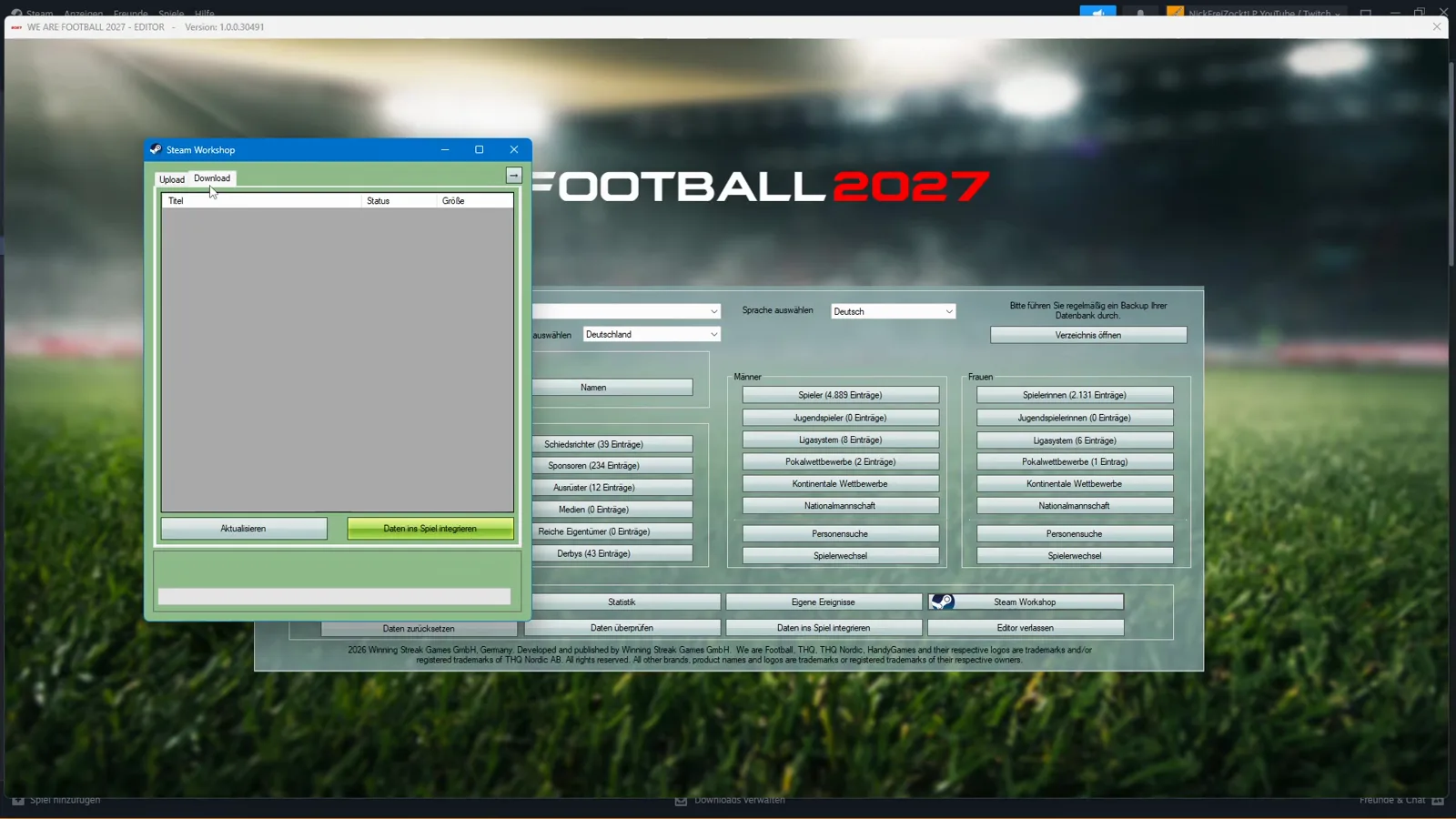
An empty Steam Workshop Download tab — the recording date made visible
The author narrates the workshop flow twice in the video: subscribe in the Steam Workshop, open the editor’s workshop window, press update, select the entry, Daten ins Spiel integrieren, close the window — and the modded database waits in the game. What the video can never show is a completed subscription: the Download tab it opens holds the Titel, Status and Größe columns and not a single row. The recording predates the Workshop’s opening by nine days, and the empty tab is that date made visible. After launch day the same tab is where subscribed databases arrive — the Workshop guide screenshots it with real entries.
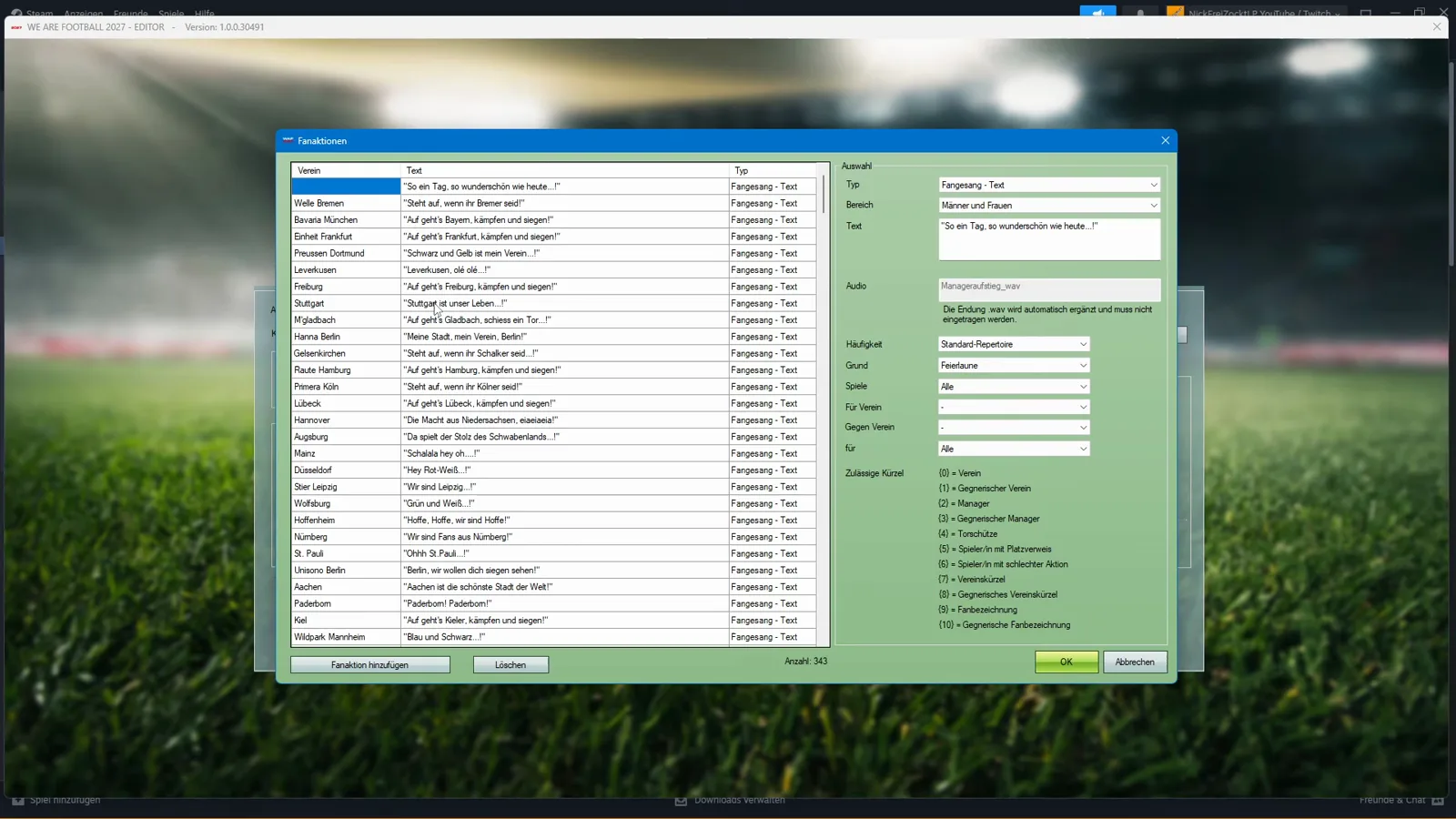
Fanaktionen: 343 chants, editable line by line
The Fanaktionen dialog (343 Einträge on the main window with Deutschland selected) lists one chant per club with its type — „So ein Tag, so wunderschön wie heute …“ and „Steht auf, wenn ihr Bremer seid!“ for Werder Bremen, „Auf geht’s Bayern, kämpfen und siegen!“ for Bayern München, „Schwarz und Gelb ist mein Verein …“ for Dortmund — every row typed „Fangesang - Text“. The right panel binds each chant to an occasion (Grund: Feierlaune), a frequency (Häufigkeit: Standard-Repertoire) and a scope, and documents the placeholder shortcuts under „Zulässige Kürzel“, from (0) = Verein to (10) = Gegnerische Fanbezeichnung. Editing rows here is how a custom database gets its own terrace culture — the atmosphere these chants feed is the fans and marketing guide’s subject. One editorial note from the author, per the auto-captions: he had turned the chants off in his own saves because a fan mod he used ships different sayings.
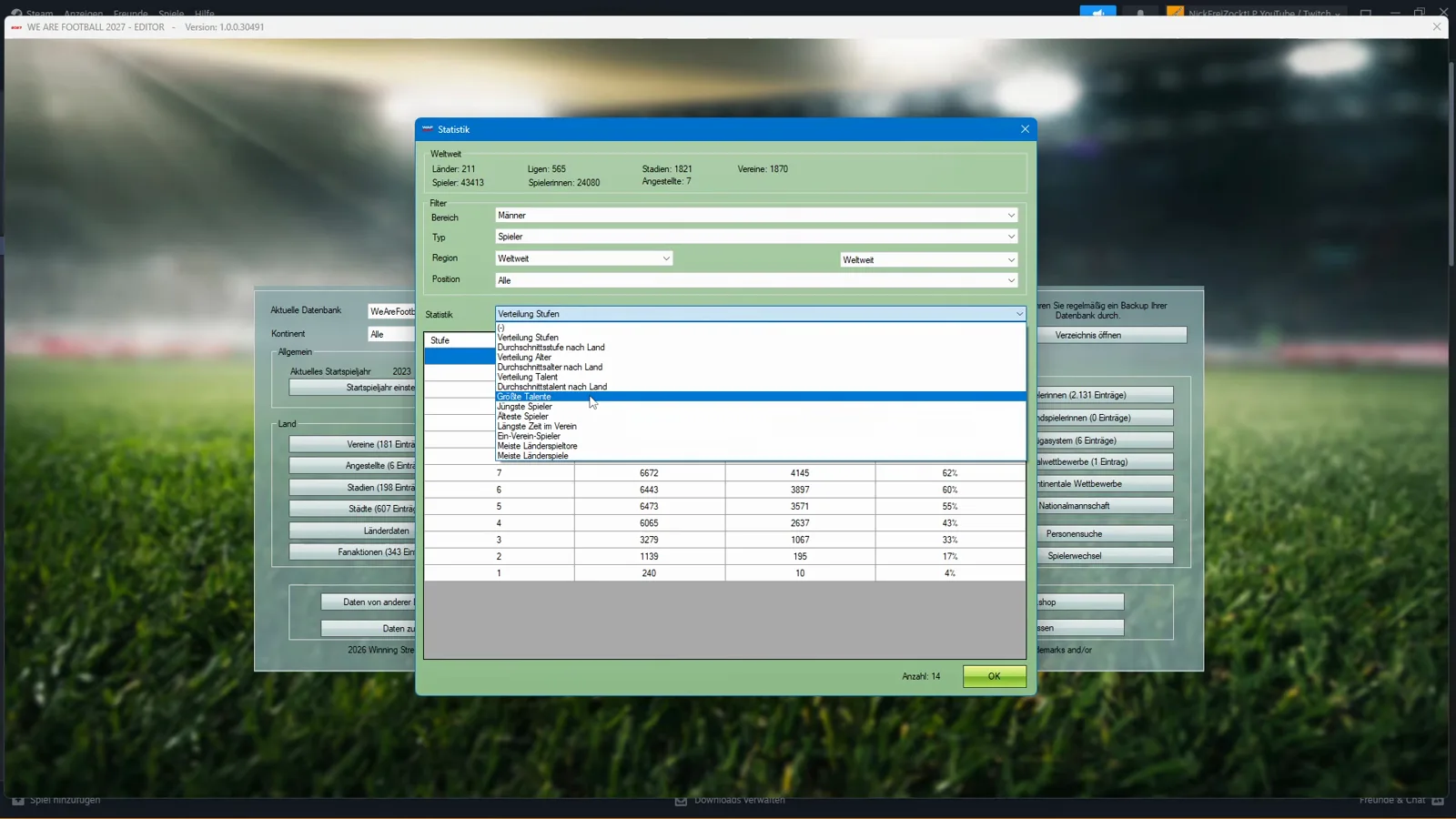
What the Statistik dropdown can count
The Statistik button’s dropdown enumerates the reports the editor produces: „Verteilung Stufen“, „Verteilung Alter“, „Verteilung Talent“, „Durchschnittsstufe nach Land“, „Größte Spieler“, „Jüngste Spieler“, „Älteste Spieler“, „Meiste Länderspiele“ and more, filterable by Bereich, Typ, Region and Position. The video’s numbers belong to the database it had loaded — a snapshot as recorded, not a constant: five players worldwide at Stufe 14, and a Verteilung Talent table that counts 77 Jahrhunderttalente among 43,413 male players — 52 of them (68%) at first-league clubs, which is why the author recommends scouting the lower tiers too — plus 341 Megatalente, 1,091 Riesentalente, 3,289 große Talente, 9,966 Talente and 28,649 players without a special talent. Fan databases, in his spoken assessment, inflate those brackets — one more reason our database choice guide says to decide what you load before you scout. The full tables are screenshotted in the Workshop guide’s statistics section.
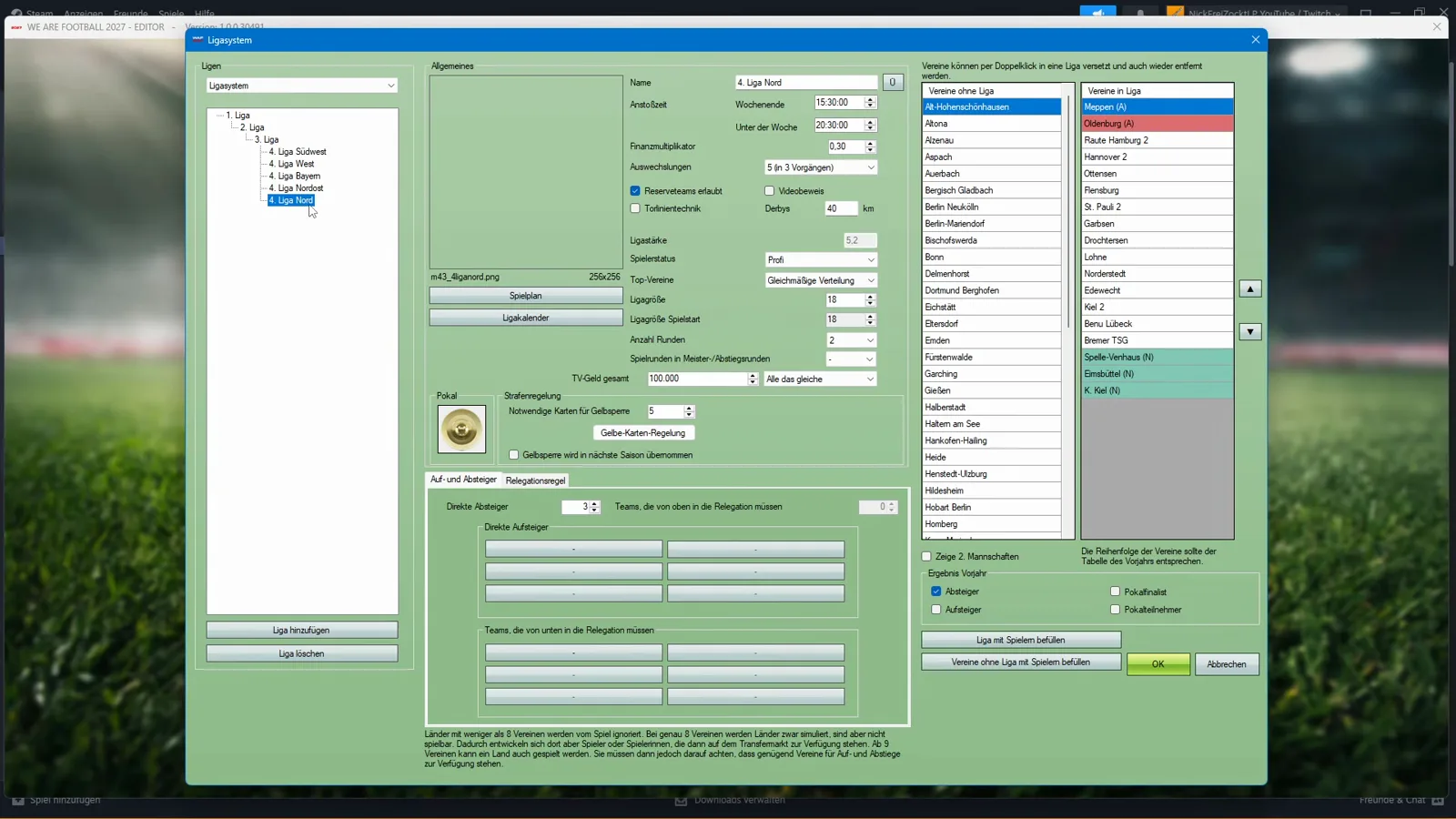
The league tree that stops at the 4. Liga — and the WAF 2024 surprise
The tour’s last stop turns into the video’s plot twist. The Ligasystem dialog’s tree holds the 1. Liga, the 2. Liga, the 3. Liga and five regional 4. Liga groups (Südwest, West, Bayern, Nordost, Nord) — and nothing below them; the fifth tier the author expects is simply missing. Checking which database he even loaded, he finds the answer in the top-left dropdown: WeAreFootball2024 — the previous edition’s database, loaded into the WE ARE FOOTBALL 2027 editor (the same dropdown is visible on the main-window screenshot in our Workshop guide). The auto-captions catch his reaction: „Normally, we would need a newer database. I don’t know why the editor can’t read them.“ He closes the editor without pressing anything and muses about reinstalling. That is the whole incident, as recorded on 15 September 2026 — one day before release; Update 1 (24 September) then shipped the fix „Editor: Starting problems in connection with WAF24 solved“ that our troubleshooting and update log documents, so the episode belongs to launch week, not to the current build.
The same recording also walks the rest of the editor’s map: twelve Ausrüster entries, the Land dialog’s school languages (Deutsch 99 %, Dänisch 1 %, Englisch 100 %, Französisch 6 %, Spanisch 3 %) with its „Durchschnittliche Jahrestemperatur“ of 18 °C — turn it down, the author notes, and even Germany gets winter snow — the Startspieljahr dialog set to 2023, and the transfer entry Daten von anderer Datenbank übertragen, the tool our real name database patch guide puts to deliberate use when it imports a WAF 2024 database on purpose. Those screenshots live in the Workshop guide’s tour; the counts in this paragraph are read off this video’s frames.
Editor Workflow Checklist
Use this sequence to avoid broken saves:
- Pick your baseline — Standard or Welt, or a Workshop database (database choice guide).
- Back up the database file (EN p. 215; path above).
- Edit clubs, competitions, and players in the external Editor.
- Validate with Daten überprüfen before integrating.
- Integrate with Daten ins Spiel integrieren and start a new career on the edited database.
- Scout wonderkids under your custom rules via our best wonderkids guide.
The Editor is the backbone of the WE ARE FOOTBALL 2027 modding scene—master import/export first, then iterate on league design and squad building at your own pace.
Related Guides
patch
WE ARE FOOTBALL 2027 in Spanish: the Community Translation Pack
WE ARE FOOTBALL 2027 ships in English, German, French and, since Update 3, Italian. How the community's one-click Spanish pack works and how fragile it is.
patch
WE ARE FOOTBALL 2027: Facepack & Logo Install Guide
Install facepacks and logo packs in WE ARE FOOTBALL 2027: the official Badges and Players folders, the file naming rules, and where community graphics ship.
guides
WE ARE FOOTBALL 2027 vs 2024: Is the Upgrade Worth It?
WAF 2027 vs 2024 compared: save import, a compressed league pyramid, round-based negotiations, regional cups — and whether the 19.99 € upgrade is worth it.
Was this helpful?
Thanks for the feedback!